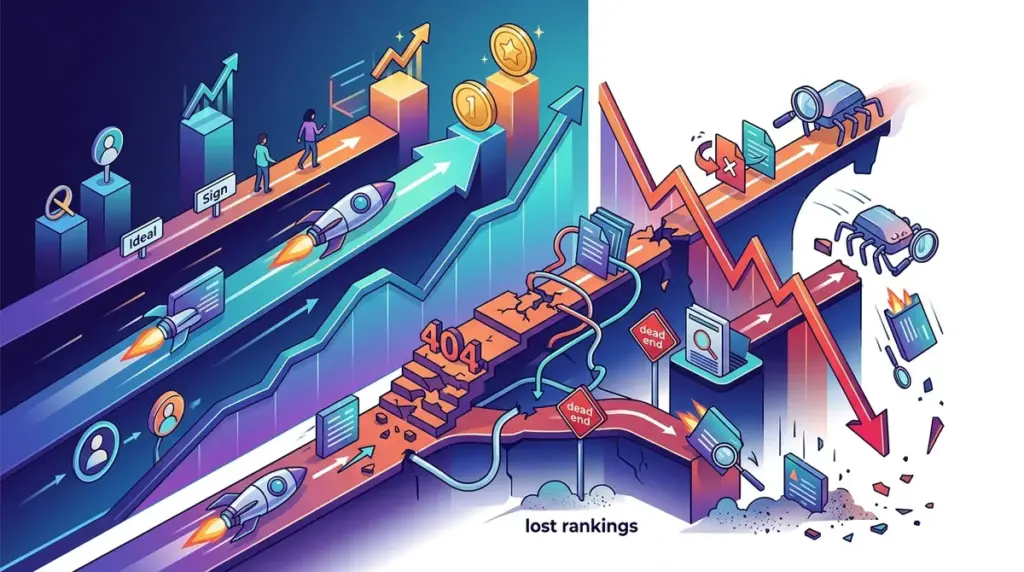
Redirects are the circulatory system of a website’s SEO. When executed correctly, they preserve link equity and guide users through site migrations or URL restructures without friction. When mishandled, they act as a tax on your crawl budget and a leak in your PageRank. For SEO professionals and site owners, a redirect mistake isn't just a technical oversight; it is a direct hit to the ROI of every backlink and content piece associated with that URL. Understanding the relationship between crawl budget and indexability is key to avoiding these issues entirely.
The core issue is that search engines do not treat all redirects as equal. While a user might eventually land on the correct page after three hops, Google’s crawler may lose interest, or the signals of authority may be so diluted that the destination page fails to rank. Understanding the granular mechanics of how redirects impact the index is the difference between a successful site migration and a catastrophic loss in visibility.
The Link Equity Leak: How Redirect Chains Dilute Authority
A redirect chain occurs when a URL points to another URL, which then points to a third (or fourth, or fifth). This is common in legacy sites that have undergone multiple CMS migrations or brand refreshes. Each "hop" in a chain introduces two primary problems: latency and equity dilution.
Every time a server has to process a new redirect instruction, it adds milliseconds to the Time to First Byte (TTFB). In an era where Core Web Vitals are a ranking factor, this latency is a self-inflicted wound. More importantly, while Google has stated that 301 redirects pass "full" PageRank, empirical evidence and crawl behavior suggest that long chains are treated with diminishing returns. If a chain exceeds five hops, Googlebot may stop following it entirely, resulting in the destination page remaining unindexed or losing its historical authority.
Best for: Large-scale e-commerce sites and publishers with high URL turnover.
- Audit Step: Use a crawler to identify any status code 301 that leads to another 301.
- Fix: Map the original source URL directly to the final destination URL, bypassing all intermediate steps.
- Performance Gain: Reduced server load and immediate consolidation of link signals.
Misusing 302 Redirects for Permanent Changes
The distinction between a 301 (Moved Permanently) and a 302 (Found/Moved Temporarily) is often ignored by developers, but it is critical for SEO. A 301 tells the search engine to transfer all ranking signals, including link equity and anchor text relevance, to the new URL. A 302 tells the search engine to keep the old URL in the index because the change is only temporary.
If you use a 302 for a permanent migration, you create a "split" in your signals. Google may continue to show the old URL in search results while trying to crawl the new one. This prevents the new URL from gaining the full competitive strength of the original. Over time, Google may eventually treat a long-standing 302 as a 301, but relying on "eventually" is a poor strategy for performance-minded marketers.
Warning: Never use 302 redirects for site migrations or HTTPS transitions. Doing so prevents the consolidation of the "canonical" version of your site, leading to fragmented rankings and slower indexation of new content.
The Soft 404 Trap: Redirecting to Irrelevant Content
A common mistake during site audits or product sunsets is redirecting all expired pages to the homepage. From a user experience perspective, this is disorienting. From an SEO perspective, it is largely useless. Google classifies redirects to irrelevant pages as "Soft 404s."
When a redirect points to a page that does not share the same topical relevance as the original, Google ignores the redirect for ranking purposes. The link equity from the original page is not passed to the homepage; it simply evaporates. To preserve SEO value, you must redirect to the most relevant category page or a direct replacement product. If no relevant page exists, a 404 or 410 (Gone) status code is often better than a deceptive redirect, as it allows the index to clean itself up without wasting crawl budget on irrelevant hops.
Technical Execution: Server-Side vs. Client-Side Latency
The method of redirection matters as much as the status code. Server-side redirects (implemented via .htaccess, Nginx config, or server-side scripts like PHP) are the gold standard. They occur before the page begins to load, providing the fastest possible transition for both users and bots.
Client-side redirects, such as Meta Refresh tags or JavaScript-based redirects, are significantly more problematic.
Meta Refresh: Often associated with spam or low-quality sites, these are slow and often ignored by modern crawlers.
JavaScript Redirects: These require the crawler to render the page to find the redirect instruction. Since Google’s rendering resources are finite, there is a delay between the initial crawl and the discovery of the redirect. This can lead to "ghost" pages staying in the index far longer than they should.
Redirect Loops and Crawl Budget Exhaustion
A redirect loop (URL A points to URL B, which points back to URL A) is a critical error that prevents both users and bots from accessing content. While modern browsers will eventually throw an "ERR_TOO_MANY_REDIRECTS" message, search engine bots will simply drop the URL from the crawl queue. On large sites with millions of pages, even a small percentage of redirect loops or broken redirects can consume a significant portion of the crawl budget, leaving your high-priority new content undiscovered.
Standardizing Your Redirect Protocol
To avoid these pitfalls, your technical team should follow a strict protocol for URL changes. This starts with a mapping document that tracks every source URL and its intended destination. Before pushing changes live, use a staging environment to verify that headers are returning 301 status codes and that no chains are created. Post-launch, monitor the "Crawl Stats" report in Google Search Console to ensure the bot is successfully navigating the new structure. A clean redirect profile ensures that your site's authority flows exactly where you want it, rather than leaking into the void of technical debt.
Frequently Asked Questions
How long should I keep a 301 redirect in place?
Google recommends keeping 301 redirects active for at least one year. This provides enough time for the crawler to visit the old URL multiple times, confirm the move is permanent, and fully transfer all signals to the new destination.
Do redirects affect site speed?
Yes. Every redirect requires an additional round-trip to the server. While a single 301 is negligible, redirect chains or poorly configured server-side rules can significantly increase latency, harming Core Web Vitals scores.
Can I redirect a high-authority domain to a new site to boost rankings?
Only if the content is relevant. If you redirect a defunct domain about "Automotive Repair" to a "Financial Services" site, Google will likely treat it as a Soft 404 and ignore the link equity. The topical relevance must be maintained for the authority to transfer.